
Hide the home feed
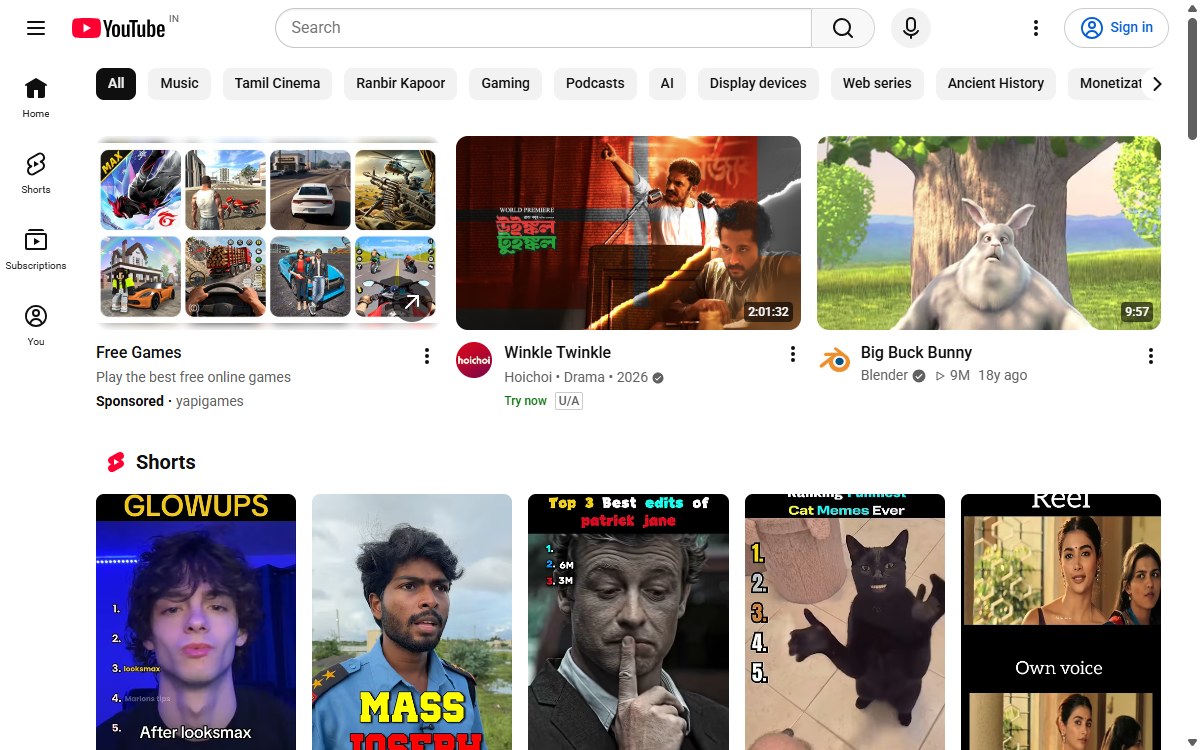
No more endless recommendations on the front page. Hide the feed, cap it at a few videos, or open YouTube straight on Subscriptions, History or Watch Later instead.
 Free · No account · 100% local
YouNo hides recommendations, Shorts, comments, the sidebar and 300+ other distractions — so you watch what you came for, then get on with your day.
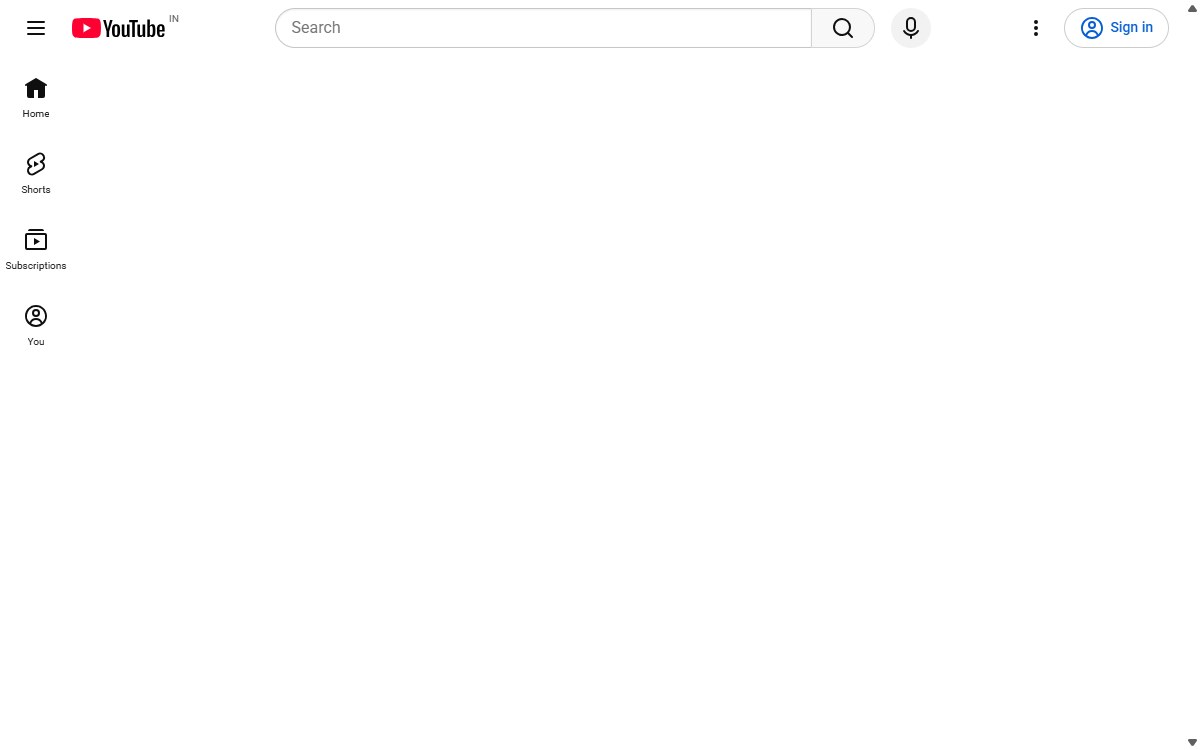
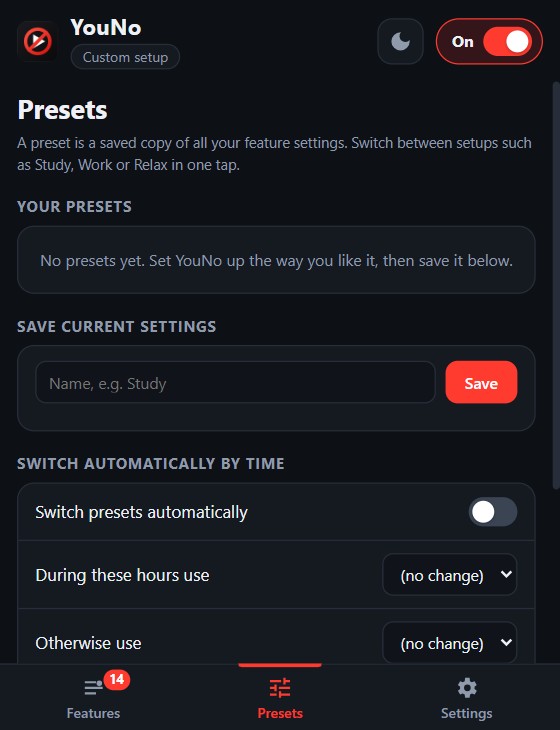
One toggle empties the home feed. Another clears the video page. You decide how much is left.
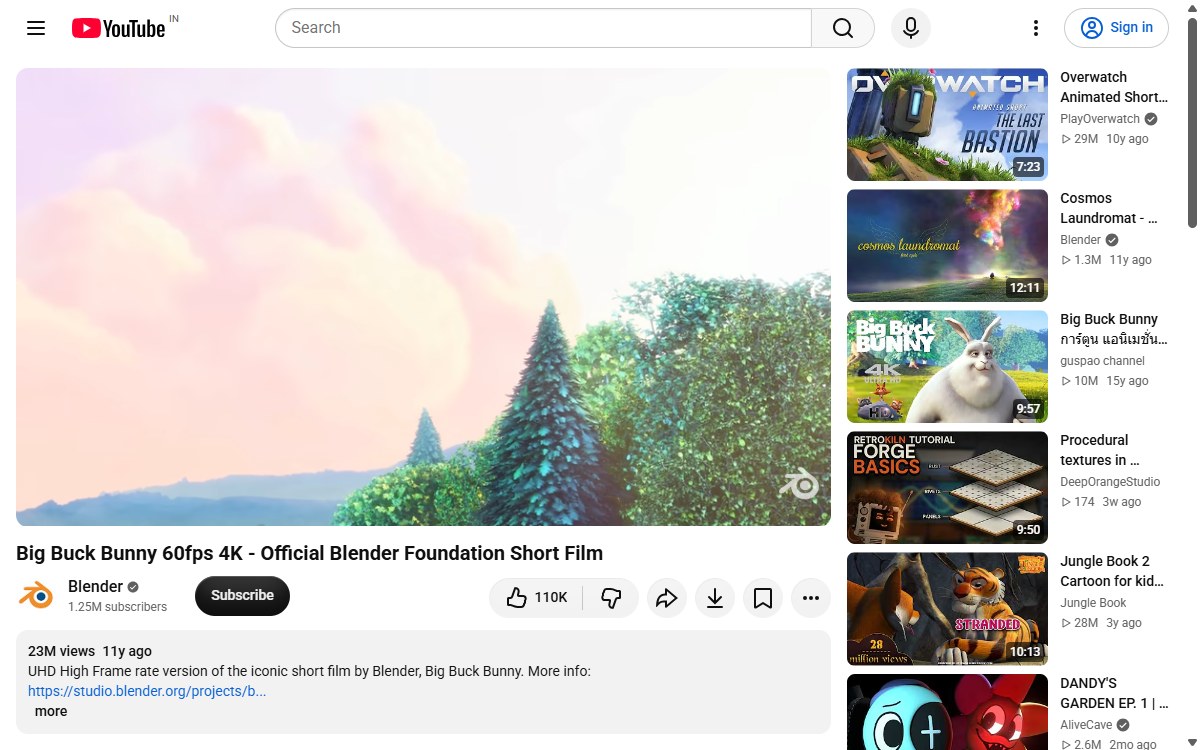
Related videos, comments, the button row and end cards can each be hidden — or kept.
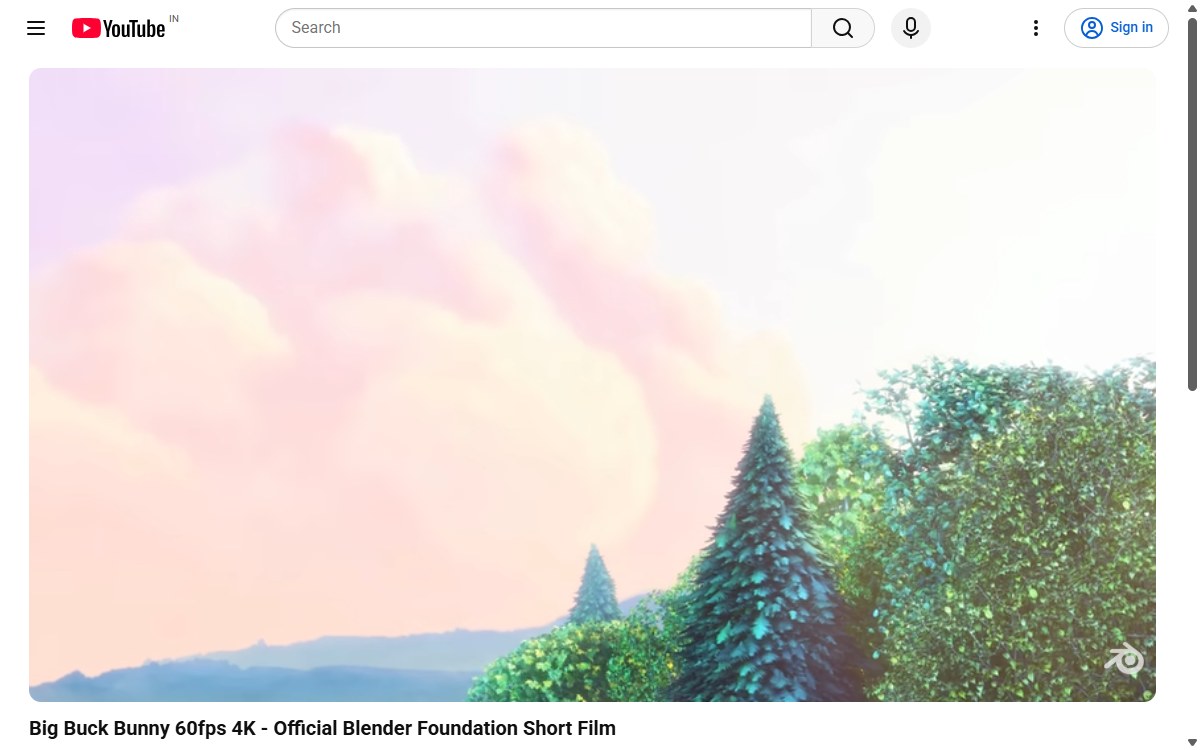
Most blockers give you one big off switch. YouNo gives you a switch for almost every part of YouTube.
No more endless recommendations on the front page. Hide the feed, cap it at a few videos, or open YouTube straight on Subscriptions, History or Watch Later instead.
Hide Shorts everywhere, lock the Shorts scroll so you can’t swipe forever, or send Shorts links to the normal player.
Hide the related-videos wall, comments, live chat, end-screen cards, merch shelves and the autoplay toggle. Watch what you came for, then leave.
Down to the like button, the subscriber count or the Cast icon. Type a word in the popup and every matching toggle appears.
Save your setup as Study, Work or Relax and switch with one tap. Back up your settings to a file whenever you like.
Strict from 9 to 5 on weekdays, relaxed at night? YouNo changes preset on its own at the hours you pick.
Hide banner ads, promo pop-ups and survey boxes that float over the page, so nothing interrupts what you came to watch.
Blur, grayscale or hide thumbnails. Dim or hide videos you have already watched. Stop previews from playing when you hover.
Pick a font (any Google font), an accent colour and a background. Choose a fixed video quality from 144p to 4K. Dark or light popup.
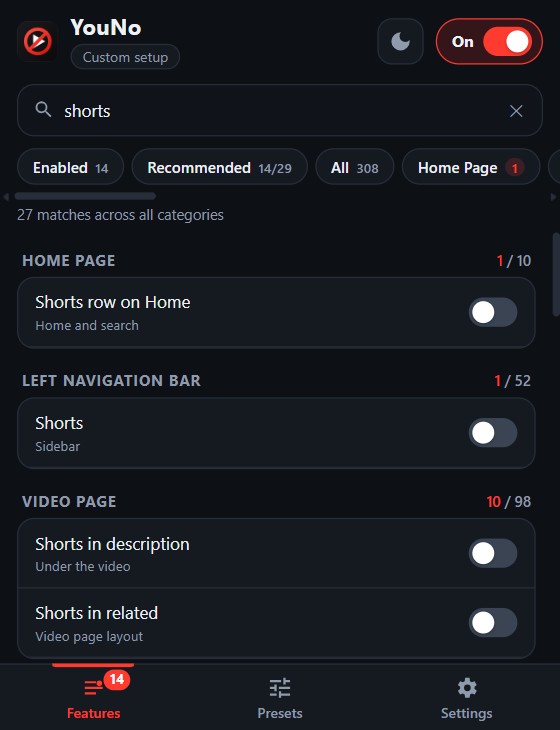
Every switch lives in one searchable list. Type “shorts” and see every place Shorts can appear — home, sidebar, search, related — and turn each one off.
Save your setup as a preset and switch in one tap. Or let YouNo do it for you: pick the hours and days, and it changes preset on its own.
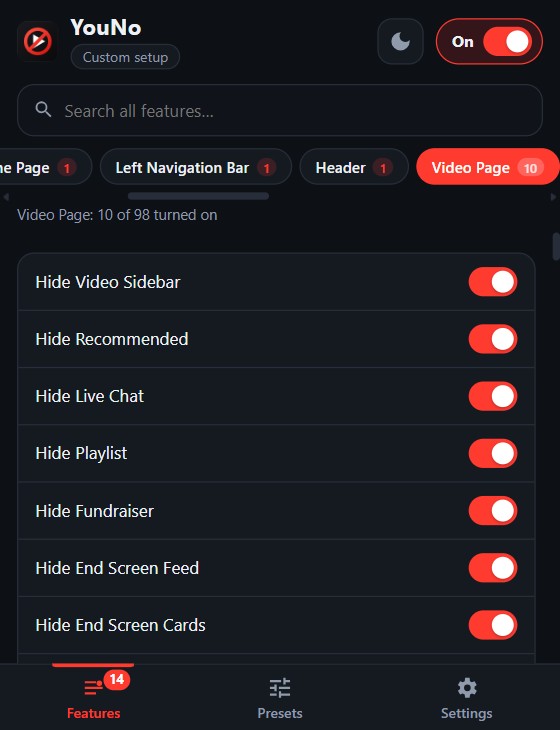
Comments but not the description. The like button but not the subscriber count. Every part of the video page has its own switch, so nothing is all-or-nothing.
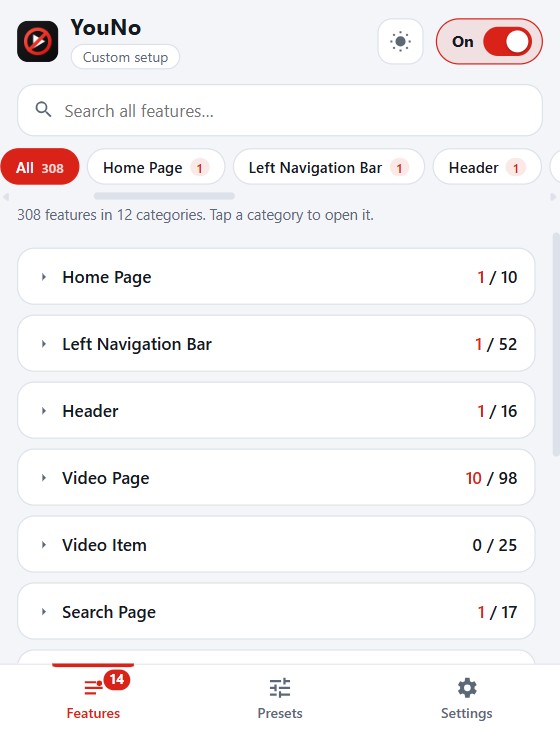
Switch the popup between dark and light, keep it open beside the page in Chrome’s side panel and run a one-click check if YouTube changes something.
Add YouNo to Chrome. The common distractions are already switched off for you.
Click the toolbar icon, search for anything else you want gone and flip its switch.
Name your setup — Study, Work, Relax — and switch between them whenever you like.
YouNo has no servers, no analytics and no tracking. It only runs on YouTube, it doesn’t read your history, and your settings stay in your browser. Uninstall it and they’re gone.
Install YouNo, open any YouTube page and click the toolbar icon. “Hide Home Feed”, “Hide Recommended” and “Hide Shorts” are individual switches — turn on the ones you want. The page changes immediately, with no reload.
Yes. There is no account, no sign-up, no subscription and no usage limit.
No. It has no servers, no analytics and no tracking, and it loads no remote code. Your settings stay in your browser. The privacy policy lists exactly what is stored and why each permission is needed.
No. YouNo hides banner ads, promos and pop-ups that sit on the page, but it does not skip or block video ads.
Yes — that is the point. There are 300+ separate switches grouped by page: player controls, the area under the video, comments, video cards, search, channel pages, the header, the sidebar, Shorts and more. Use the search box in the popup to find any of them.
A preset is a saved copy of all your switches, such as “Study” or “Relax”. A schedule lets YouNo apply one preset during hours you choose (for example 9:00–17:00 on weekdays) and another the rest of the time.
Yes to both. YouNo runs on www.youtube.com and m.youtube.com, with a dedicated set of switches for the mobile site, and it does not need you to be signed in.
It hides and changes parts of the YouTube page, so it needs to run on youtube.com. It does not ask for access to any other website, your browsing history or your tabs.
YouTube changes its page often. Open YouNo, go to Settings and press “Check this page” on the YouTube page in question — it lists the switches that found nothing. Email that report and it can be fixed quickly. See the help page for the full steps.
YouNo is built for Google Chrome. Chromium-based browsers that can install Chrome Web Store extensions, such as Edge and Brave, generally run it too, though Chrome is the one it is tested on.
It’s free, and it will stay free. If it gave you back some focus, a small boost helps me keep improving it.
Add YouNo to Chrome and take your YouTube back in under a minute.
Add to Chrome — it’s free